How to
How to Find My Windows Product Key (Windows 11 & 10)
Quick answer: a Windows product key is a 25-character code (XXXXX-XXXXX-XXXXX-XXXXX-XXXXX). Where to find it depends on how you got Windows: New…
Quick answer: a Windows product key is a 25-character code (XXXXX-XXXXX-XXXXX-XXXXX-XXXXX). Where to find it depends on how you got Windows: New…
✅ Updated November 8, 2026 · By A ramoz, IT technician (12 years of Windows and Microsoft 365 support) · Based on…
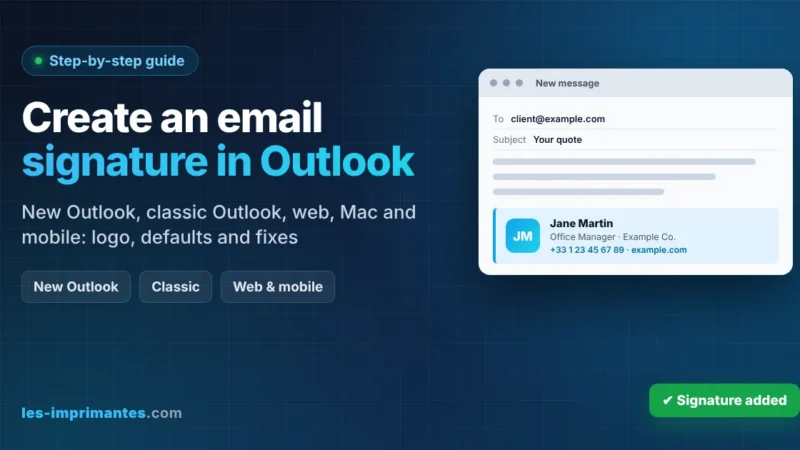
Quick answer: to create an email signature in the new Outlook for Windows or Outlook on the web: Select Settings (gear icon)…
Quick answer: if your desktop icons disappeared in Windows 11 or 10: Right-click an empty area of the desktop. Choose View, then…
Quick answer: the screen saver settings are a little hidden in Windows 11. To customize them: Open Settings › Personalization › Lock…
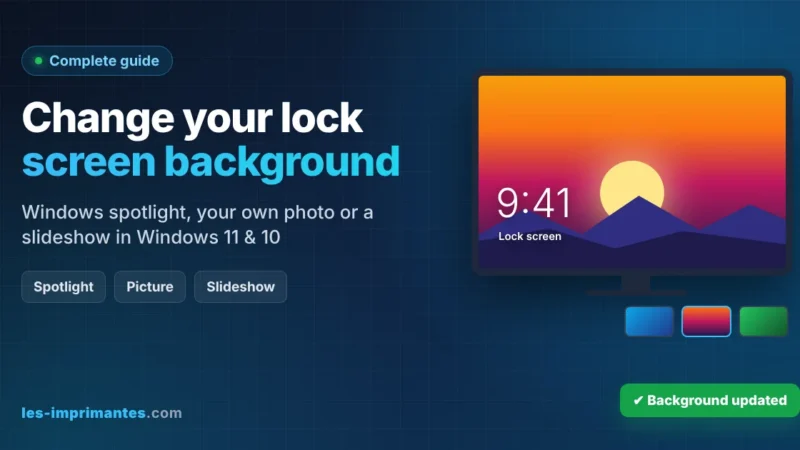
Quick answer: to change your lock screen background in Windows 11 or 10: Press Windows + I and go to Personalization ›…
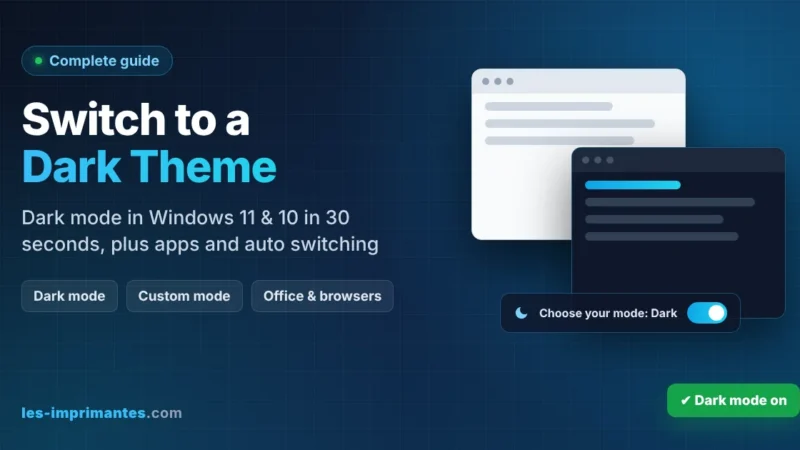
Quick answer: to switch to a dark theme in Windows 11 or 10: Press Windows + I to open Settings. Go to…
Quick answer: to reset your PC for a fresh start in Windows 11: Back up your files and note your BitLocker recovery…
Quick answer: McGraw Hill Connect is McGraw Hill’s online learning platform for college courses. It holds your eBook, homework, quizzes, SmartBook adaptive…
Quick answer: to empty the Recycle Bin in Windows 11 or 10, right-click the Recycle Bin icon on the desktop and choose…